Tutorial: Meadow Quest (2D RPG)
Meadow Quest: a 2D RPG, overview
Build a top-down pixel-art RPG with a title screen, music, an NPC, combat, health, an inventory, a locked gate and a treasure chest, using only the web editor.
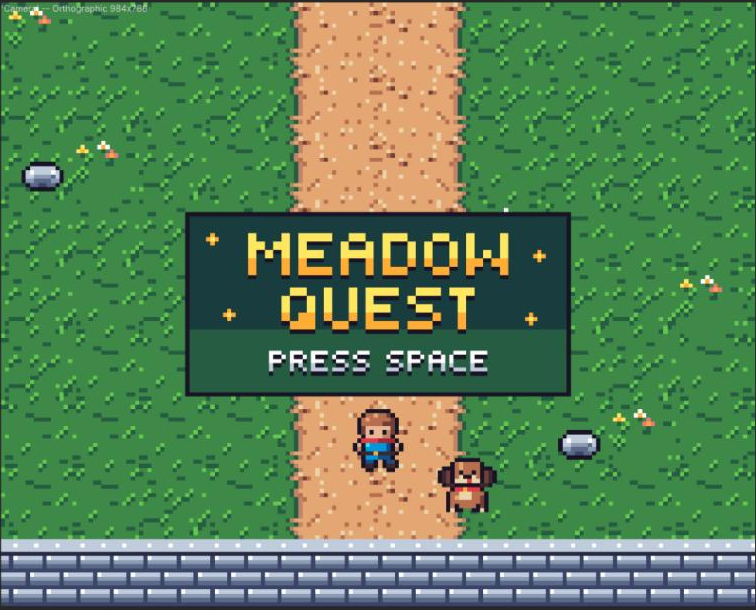
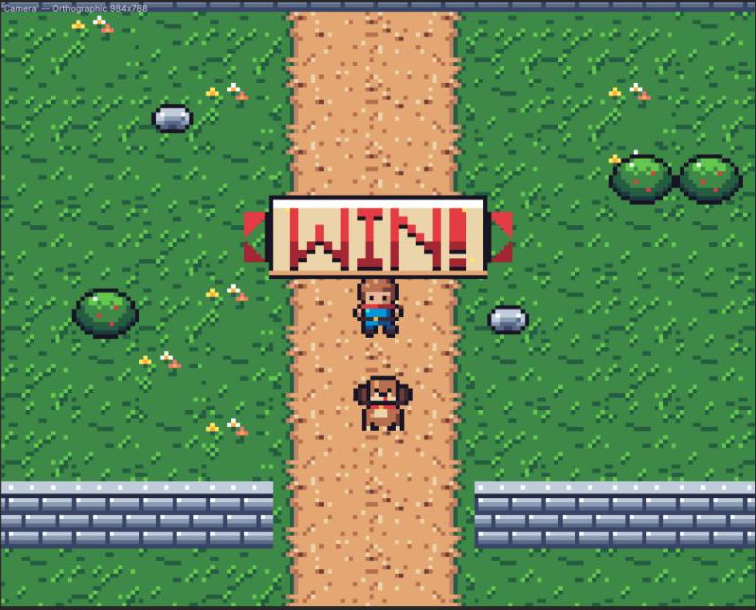
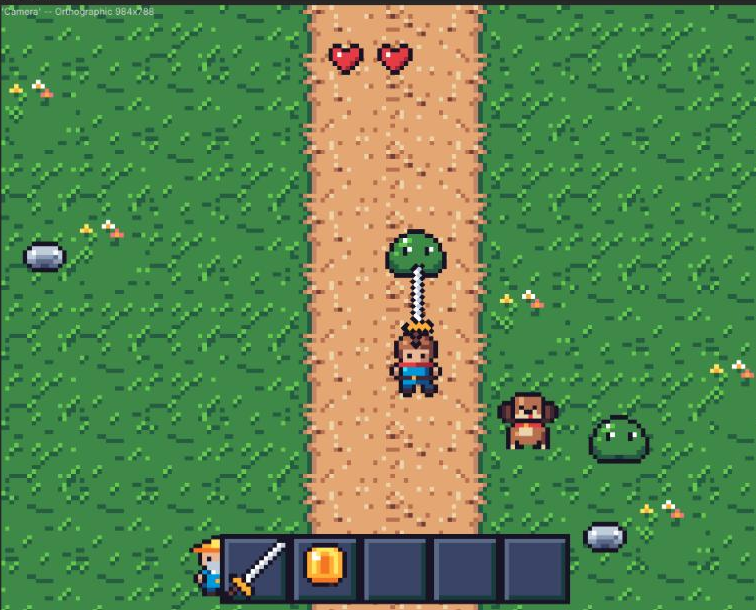
In Meadow Quest you walk a pixel-art hero around a walled meadow. A beagle follows you. An old farmer gives you his sword. Two slimes guard the three golden coins: fight them, watch your three hearts, and drink a potion if you must. Every pickup, swing and hit has a sound, a quest line tells you what to do next, and losing all your hearts ends in GAME OVER. With all three coins the gate opens, and the chest behind it wins the game. A main menu with a language picker opens the game, an inventory bar shows what you carry, and a chiptune loop plays the whole time.
Everything happens in the browser editor, by clicking:
- painting sprites and tiles in Pixel Art;
- painting the meadow, its decorations and its walls in Tilemap;
- placing sprites, colliders, a camera and music in the Hierarchy and Inspector;
- wiring the gameplay in the Script Editor.
What you'll learn
| Part | You learn |
|---|---|
| 1. Paint the sprites | Pixel Art, palettes, pixel density, seamless tiles |
| 2. Paint the meadow | Tilemaps: a tileset, layers, fill, rectangles, placing a map |
| 3. Hero & camera | 2D sprites, Physics Body 2D, the 2D camera |
| 4. Move the hero | Script Editor, input actions, velocity |
| 5. Camera follow & walls | finding other entities, clamping, invisible colliders |
| 6. Coins & the gate | distance checks, global variables |
| 7. Pet, chest & victory | following, a win condition |
| 8. Title screen & music | a start screen, gating play, background music |
| 9. A farmer who talks | an NPC, speech bubbles that follow the story, a gift |
| 10. Combat & health | enemies that chase, a sword, hearts, respawning |
| 11. Inventory & potions | an item bar, pickups, a healing potion |
| 12. Sound effects & triggers | sensor colliders, OnTriggerEnter, PlayAudio |
| 13. A quest line on screen | a UI canvas, SetText and SetTextNumber |
| 14. Game over & restart | freezing play, LoadScene |
| 15. A main menu | the game-menu system, UiCommand, a language picker |
| 16. Languages | your own localization keys, the CSV round trip |
| What's next | where to take it, and what is still coming |
Allow 5–6 hours. Every part ends with good practices and the assets for that part, so you can download a piece you'd rather not make yourself and carry on.
One rule for the whole game: 16 pixels = 1 unit
Every image in Meadow Quest is drawn at 16 pixels per world unit. A 16×16 sprite has scale 1×1; the 48×16 gate has scale 3×1; the 64×32 WIN banner has scale 4×2. Keep that ratio and every pixel on screen is the same size. Break it and sprites look blurry or blocky next to each other. Part 1 explains how.
The whole game
meadow-quest.zip has everything: 26 images, the music and 7 sound effects,
each with its .mt file, the map, the HUD and menu canvas, the 19 scripts and the finished scene MeadowQuest.tgscene.
Import the .mt files together with their images
so the UUIDs match.